Decision training in virtual reality

Practise the moments that matter, before they happen.

Your people step inside a realistic 360° scene — a checkpoint, a control room, a gate at dawn — hear the voices, feel the pressure, and make the call. Every choice changes what happens next.

What it does

Slides teach the rules. Practice builds judgement.

VR Decisions turns your own risk scenarios into short, branching exercises. Trainees face the situation in first person, talk their way through it, and see the consequences of each decision — then review them with an instructor.

A branching scenario: each decision leads to a different next scene and ending Briefingin the van Decisionstay calm Decisionargue Scene Scene Scene Scene ✓ ✓ ! ✕
Each exercise is a branching story. Different choices lead to different scenes and endings — released, delayed, or the camera taken.
How it works

From your scenario to a headset in days.

Workflow: describe, script, build media, play, debrief What the debrief shows shapes the next exercise 1 · DESCRIBEA short interviewrisk, place, roles 2 · SCRIPTBranching storyyou review and edit 3 · BUILD360° scenes, voicessound, video, people 4 · PLAYHeadset or browserone link per course 5 · DEBRIEFChoices reviewedwith an instructor
A security manager sketching a checkpoint scenario beside a laptop

Describe the situation

The studio interviews you: where it happens, who is involved, what goes wrong, and what a good decision looks like. Upload photos of your own site if you have them.
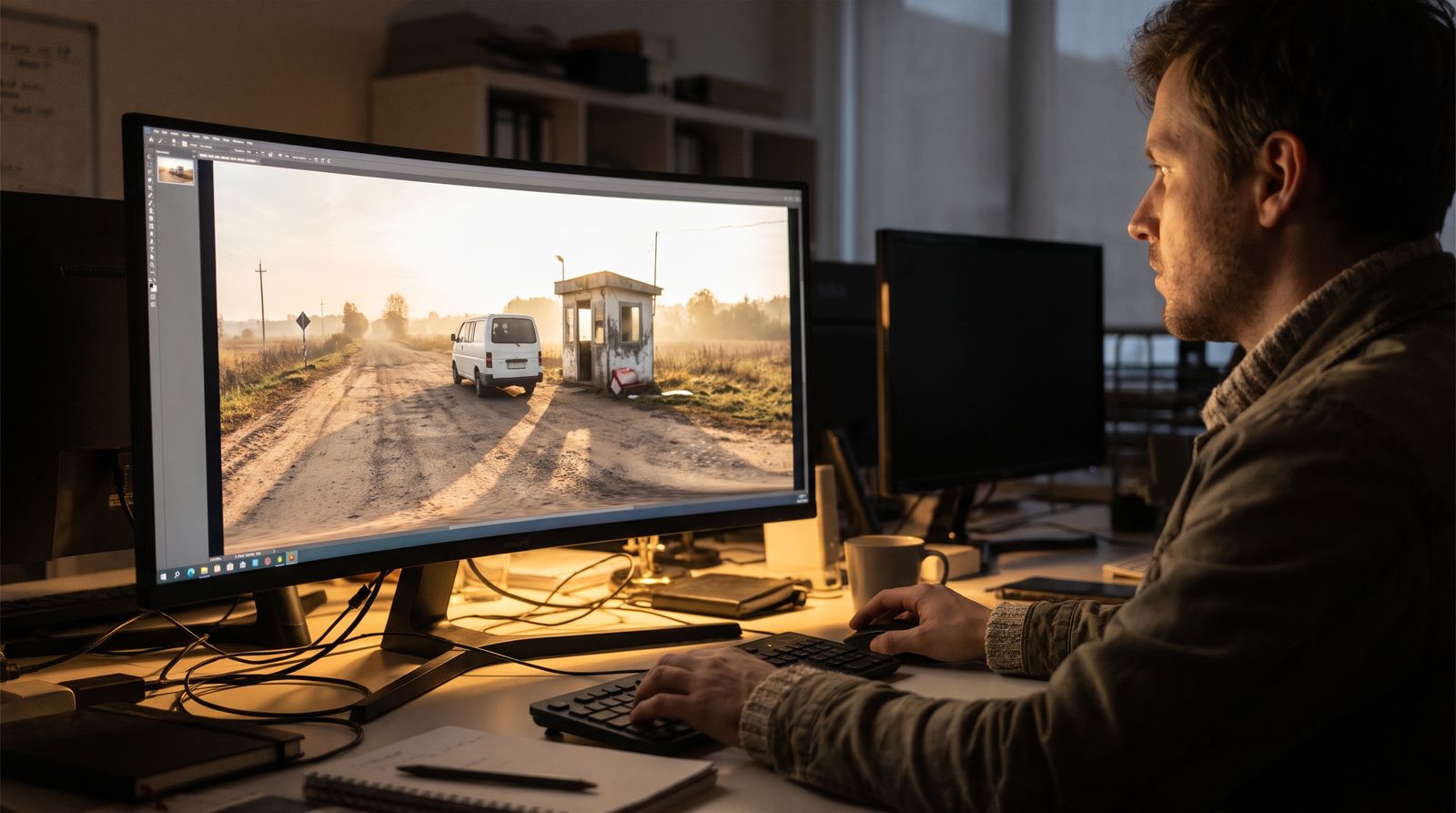
A designer reviewing a 360-degree panorama of a rural checkpoint

We script and build the world

A branching script with decision points and endings, in your trainees' language. Then the 360° scenes, character voices, ambient sound and moving windows, reviewed with you before anything goes live.
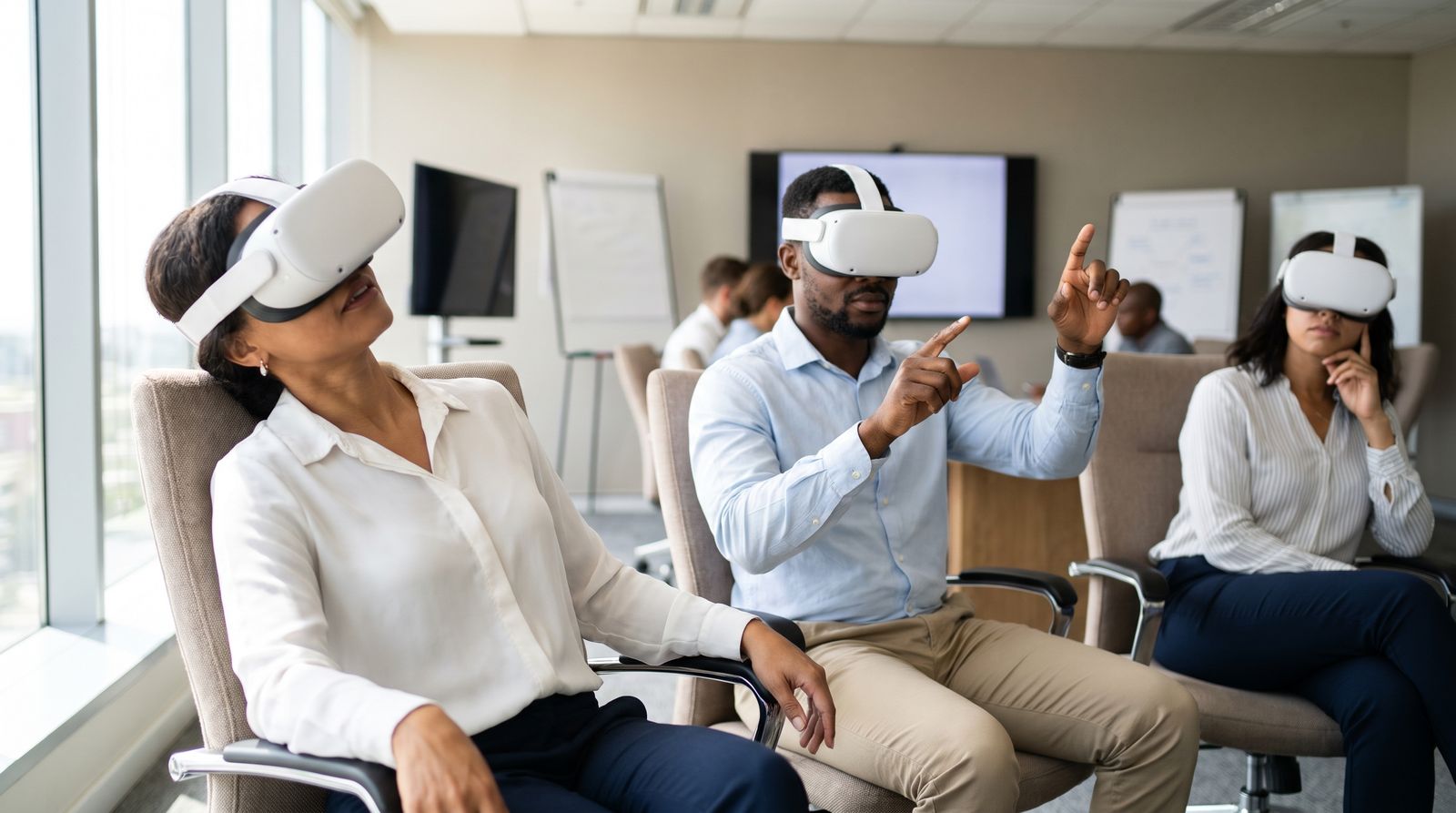
Trainees wearing VR headsets during an exercise

Your people decide

Trainees open one link on a Meta Quest headset or any laptop browser. They look around, listen, and choose — under time pressure, with no right answer handed to them.
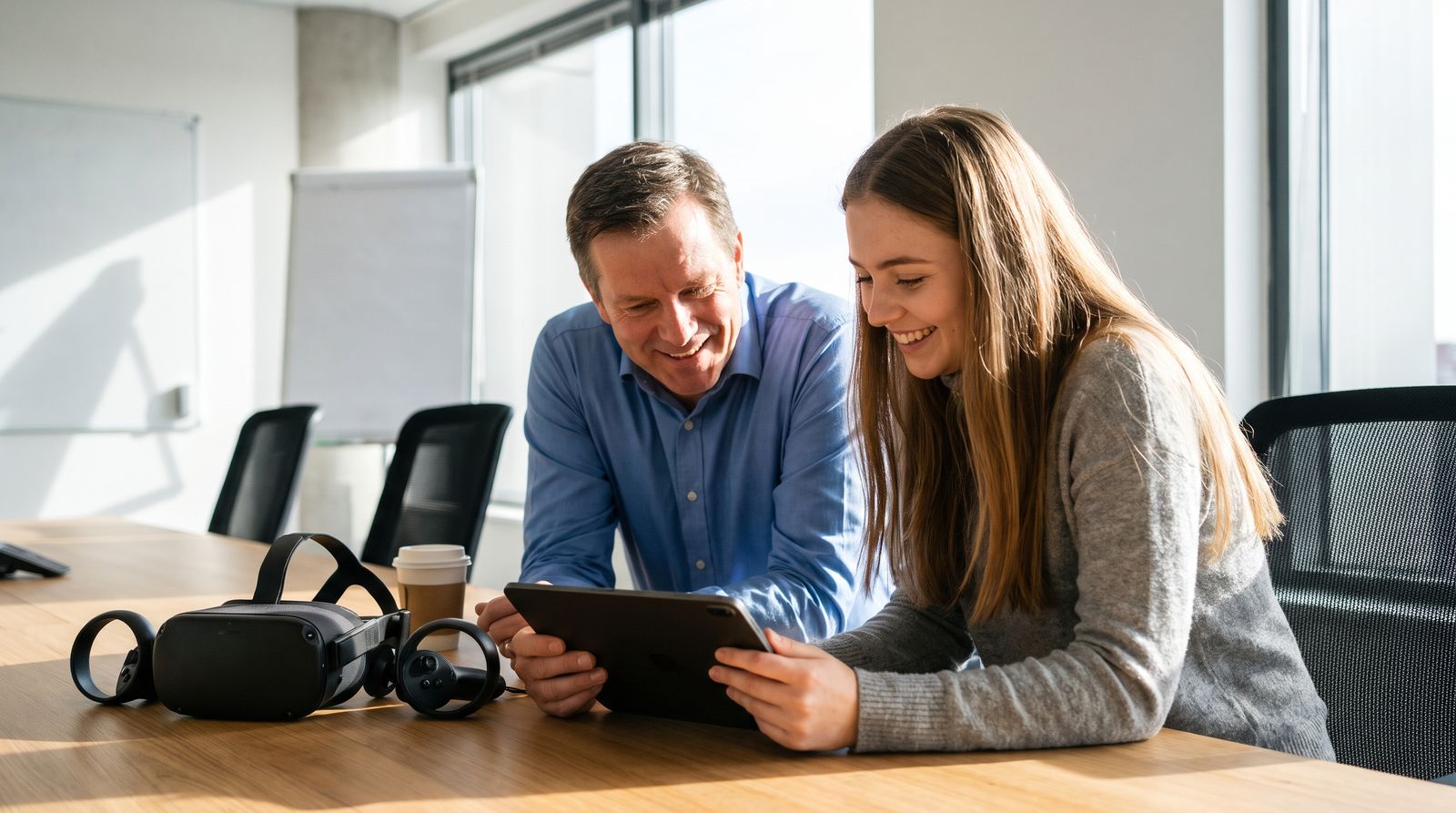
An instructor and a trainee reviewing results on a tablet

Debrief and improve

Each run ends with a debrief that walks through the choices made and what they led to — a ready-made starting point for the instructor's discussion.
Examples

Real scenes from live exercises.

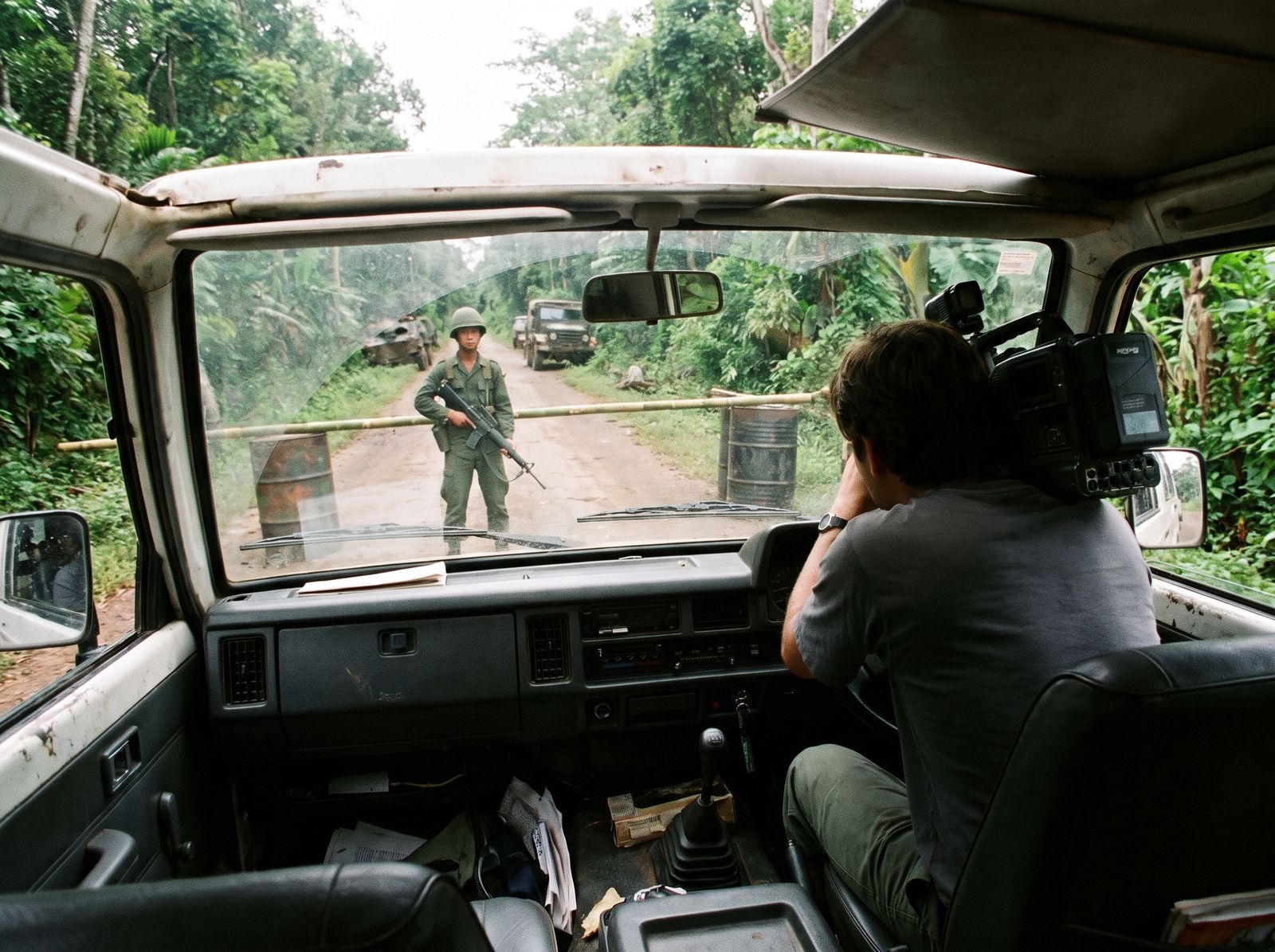
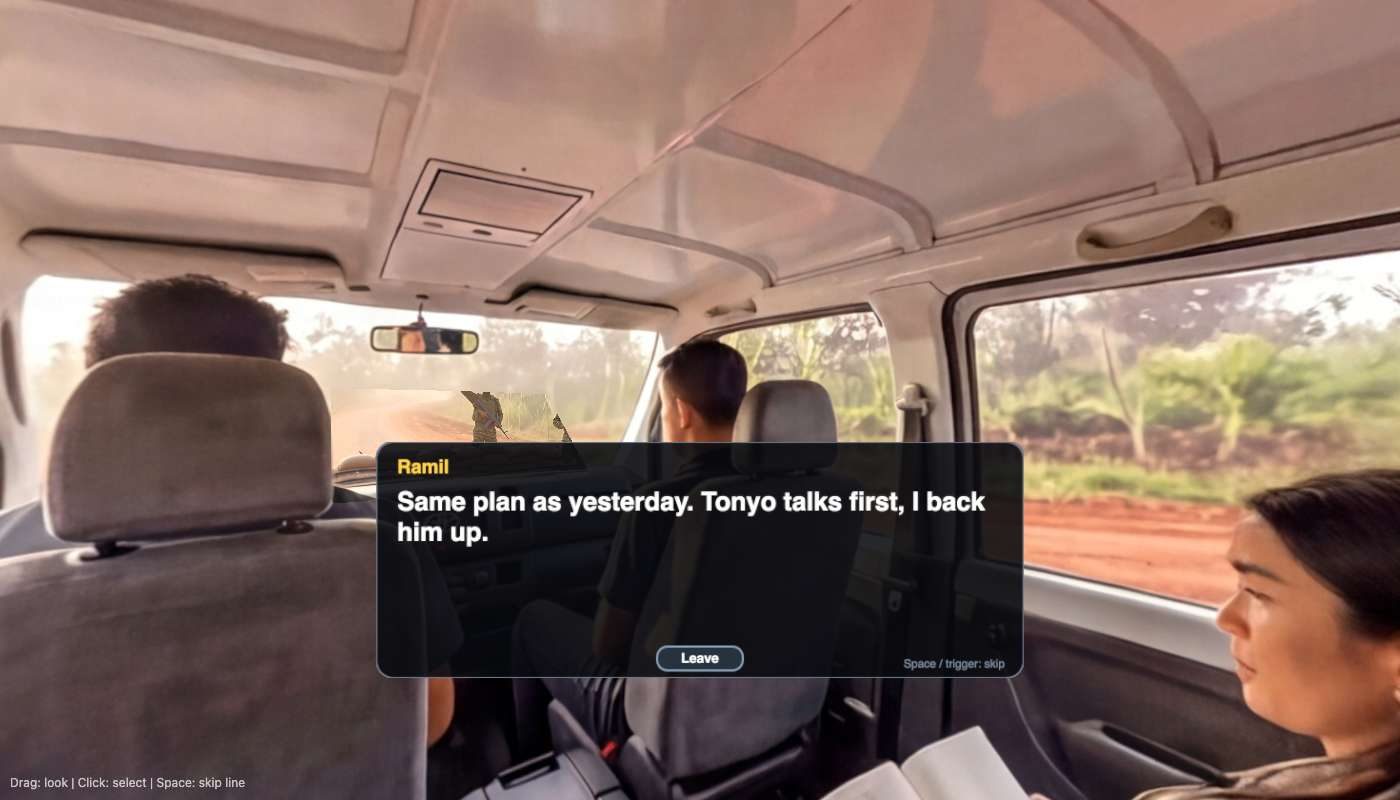
Drag to look around. This is the inside of a TV crew's van, stopped at a roadblock — the trainee sits in the back seat with the camera.

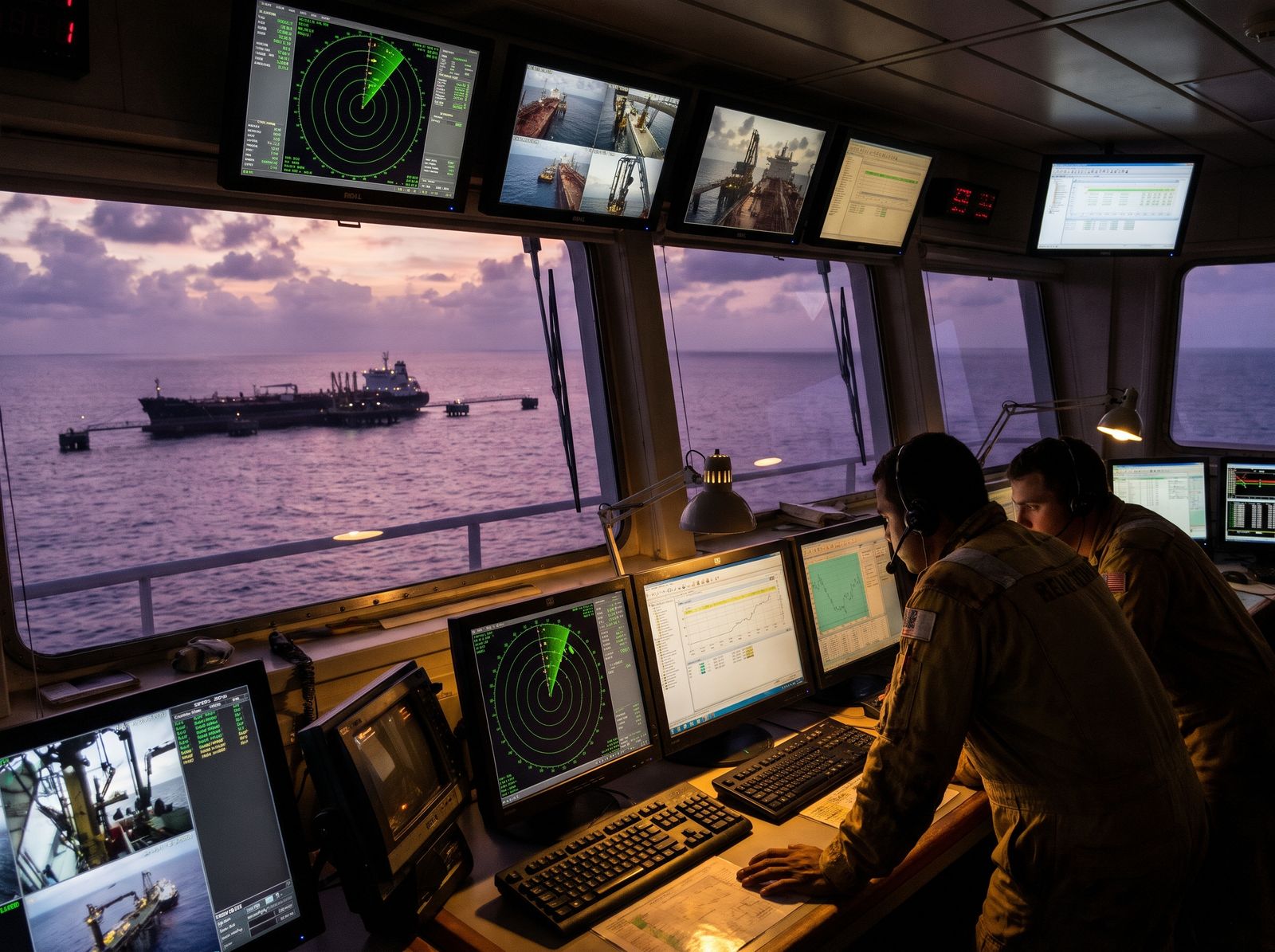
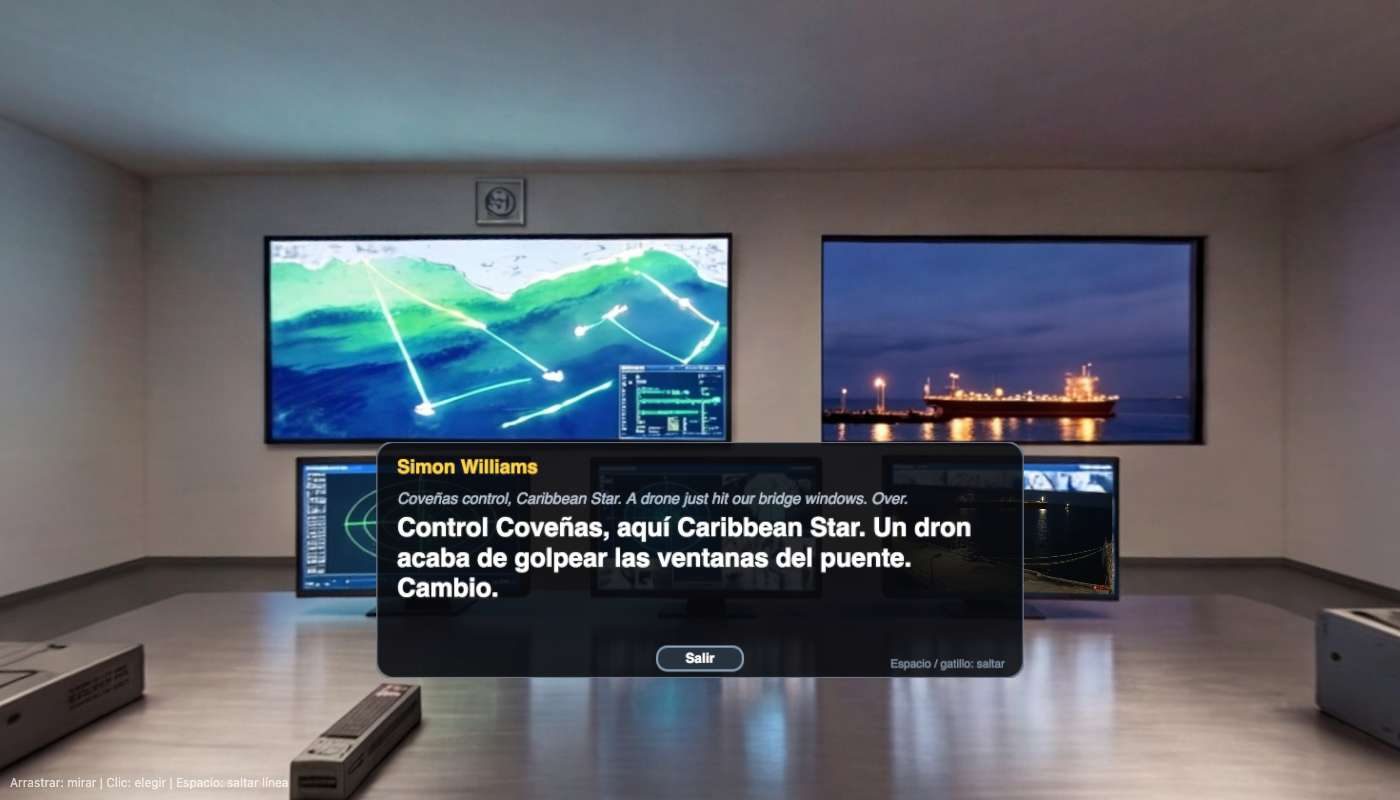
Control-room scene with Spanish dialogue on screen
Energy terminal control room, in Spanish: a drone strike on a tanker at the buoy.
Van approaching a checkpoint, seen through the windscreen
Media crew at an army checkpoint, with video through the windscreen.

Energy & industry

Terminal incidents, intrusions, drone threats, evacuations.

Media & NGOs

Checkpoints, detention, hostile crowds, kidnap risk.

Site security

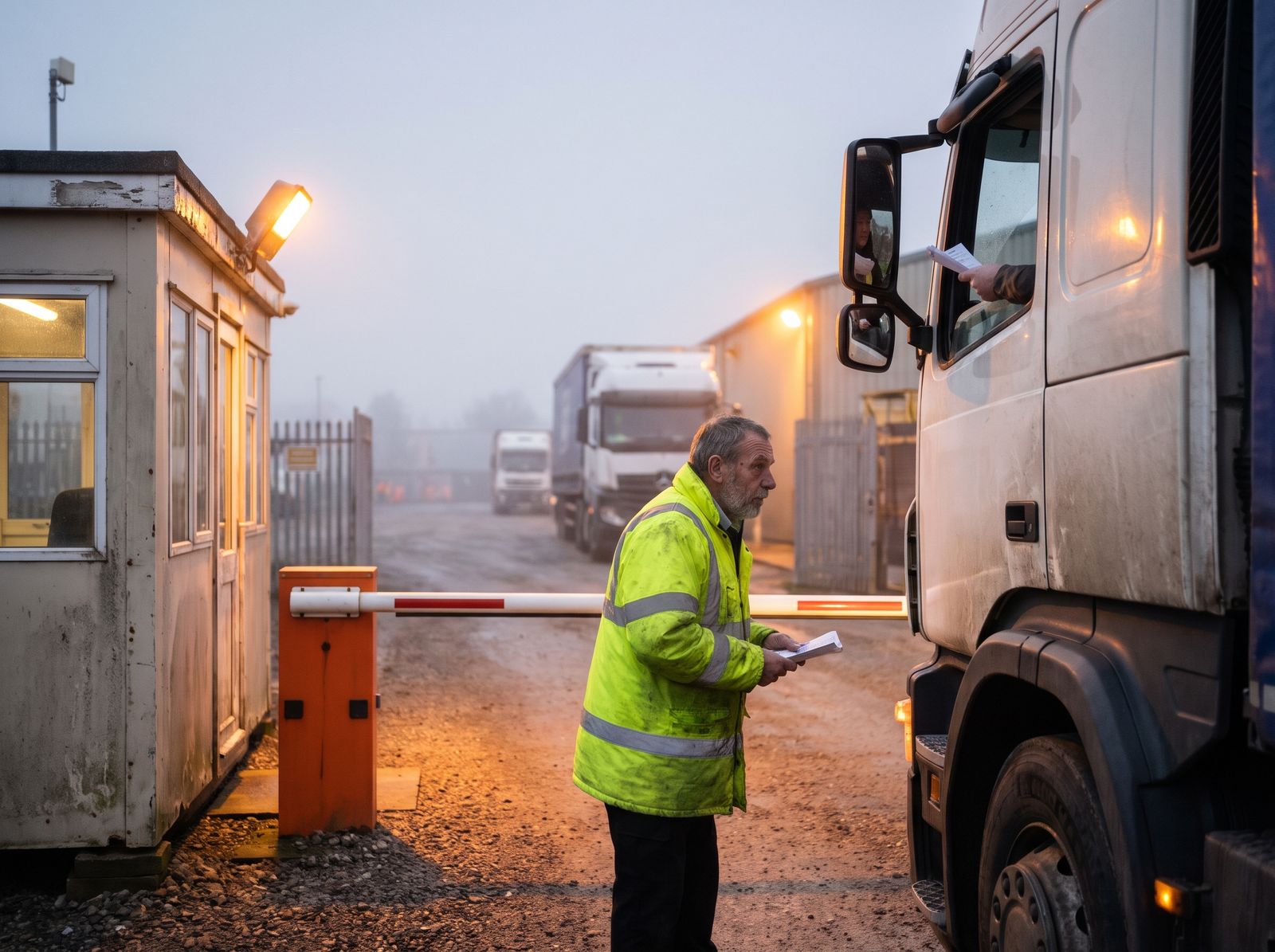
Gate procedures, suspicious visitors, escalation.

Travel safety

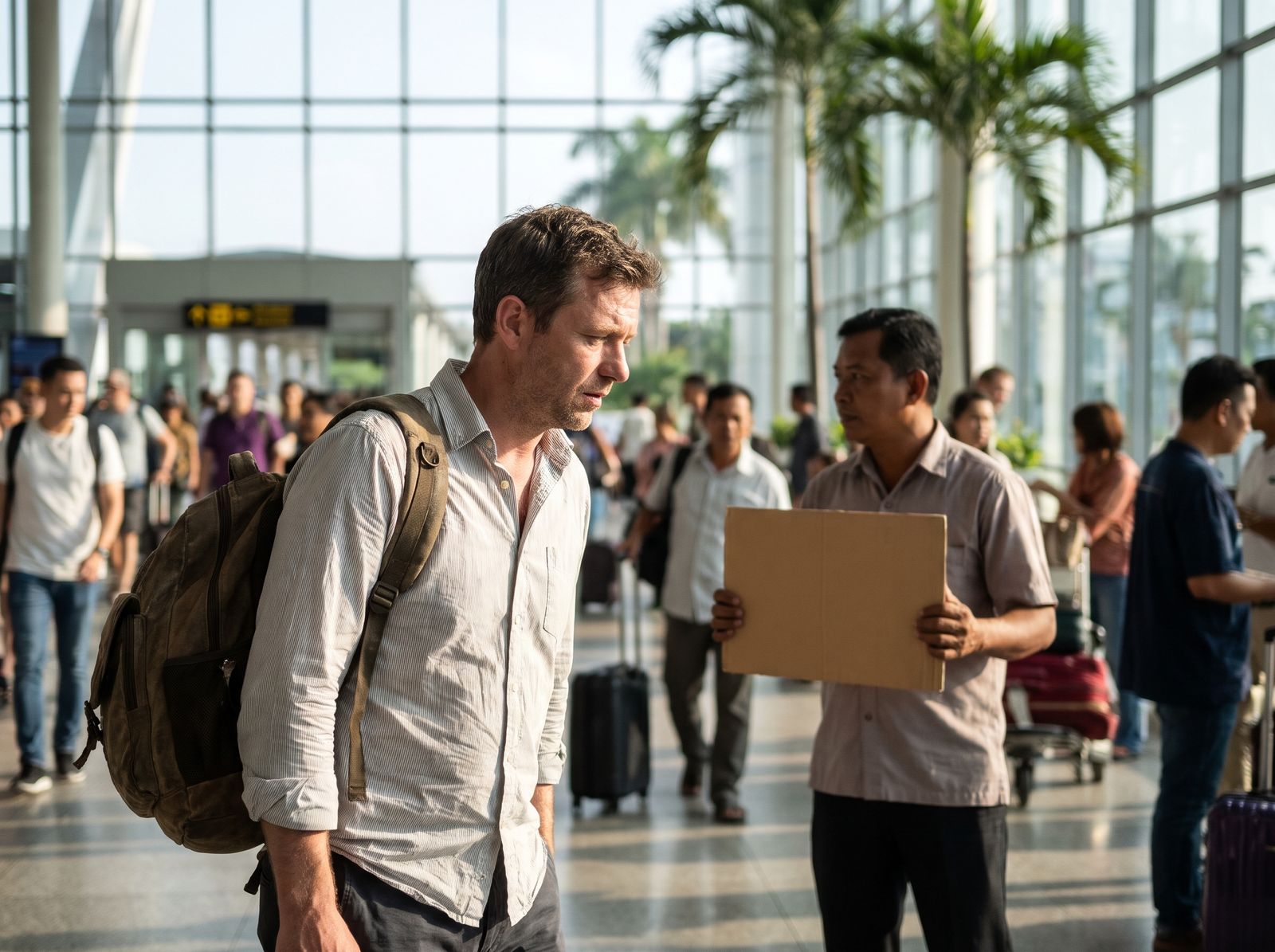
Arrivals, transport, staying low-profile abroad.

Benefits

Why teams use it.

Experience without exposure

Rehearse dangerous situations with none of the danger and none of the cost of a live exercise.

Decisions, not recall

Trainees act under pressure and live with the consequence, which is what sticks.

Your place, your people

Scenes built from your sites and roles, voiced in your trainees' language and accent.

Fast to build and change

New threat or new site? Edit the script and rebuild the scenes, no film crew needed.

Any headset or browser

Runs on Meta Quest and on ordinary laptops, from a single link. Nothing to install.

Evidence for the debrief

The debrief lists each choice and its outcome, so the discussion is about what people actually did.

What clients say

In their words.

Get started

Choose your organisation.